Everything included.
Every feature is in the download. No trial period, no license code, and no account.
Less switching.
More doing.
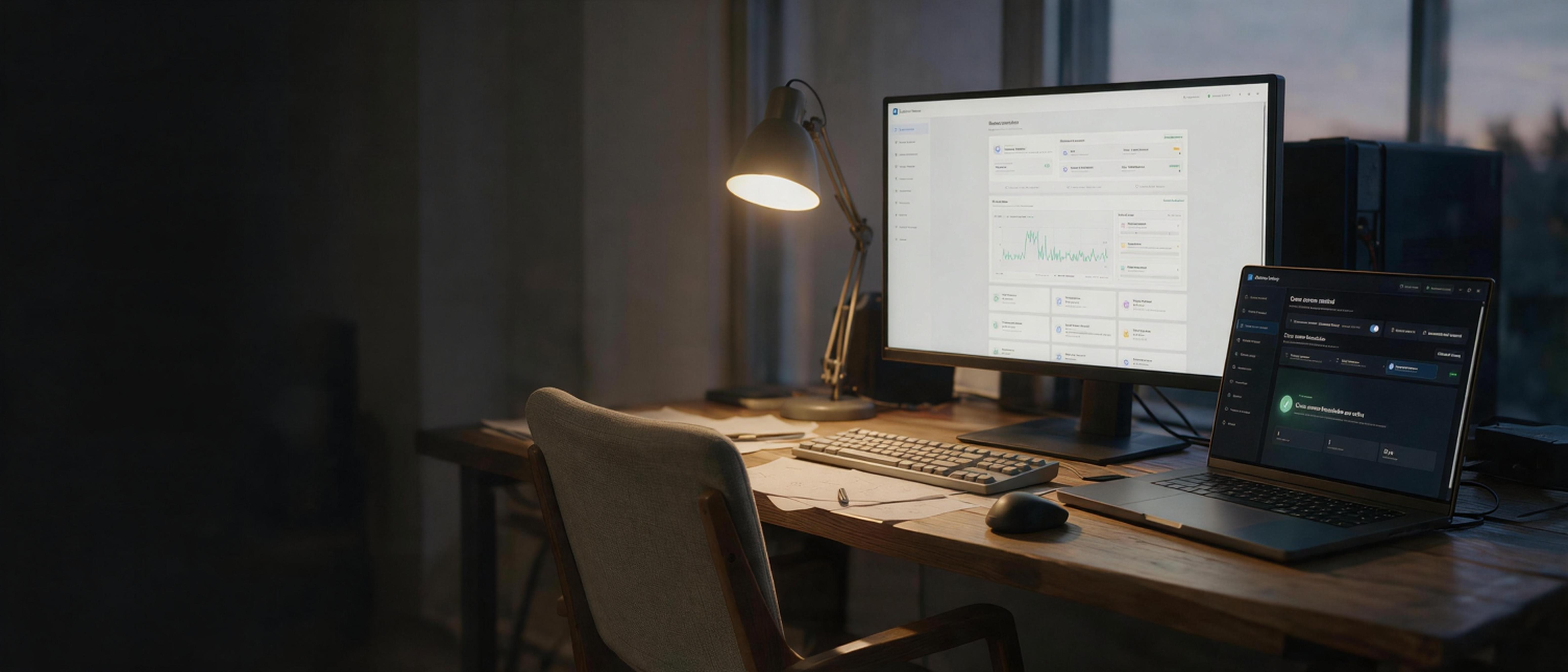 A little more connected.
Pierdesk is free to use.
There is nothing to buy, activate, or sign in to.
Every feature is in the download. No trial period, no license code, and no account.
Released under the GPL-3.0 license. Read the code, build it yourself, or improve it.
Your clipboard and files travel between paired PCs over your local network, not through a cloud server.
Download Pierdesk on each Windows PC you want to connect.
Join the same local network, discover your devices, and approve the pairing.
Arrange your screens, set your boundaries, and move across your desk.
Pierdesk is built for Windows 10 and Windows 11 on x64 PCs. Connect the computers to the same local network.
Yes. Pierdesk is free and open source under the GPL-3.0 license. There is no trial period, license code, or account. If it saves you time, you can support the author. It is completely voluntary.
This beta is not code-signed yet, so Windows SmartScreen may show "Windows protected your PC". Choose More info, then Run anyway, only if you downloaded the file from this page or from the project's GitHub Releases page. Compare its SHA-256 checksum with the one listed on the release.
No. Your clipboard and files travel between paired PCs over your local network.
On GitHub, at github.com/micky-meecky/Pierdesk. Bug reports and ideas are welcome in Issues.
The download is a single executable named pierdesk.exe. Every release on GitHub lists its SHA-256 checksum so you can verify the file. See all releases.