Separate PCs.
One workspace.
Your mouse, clipboard, and files.
Right where you need them.
Follow your
train of thought.
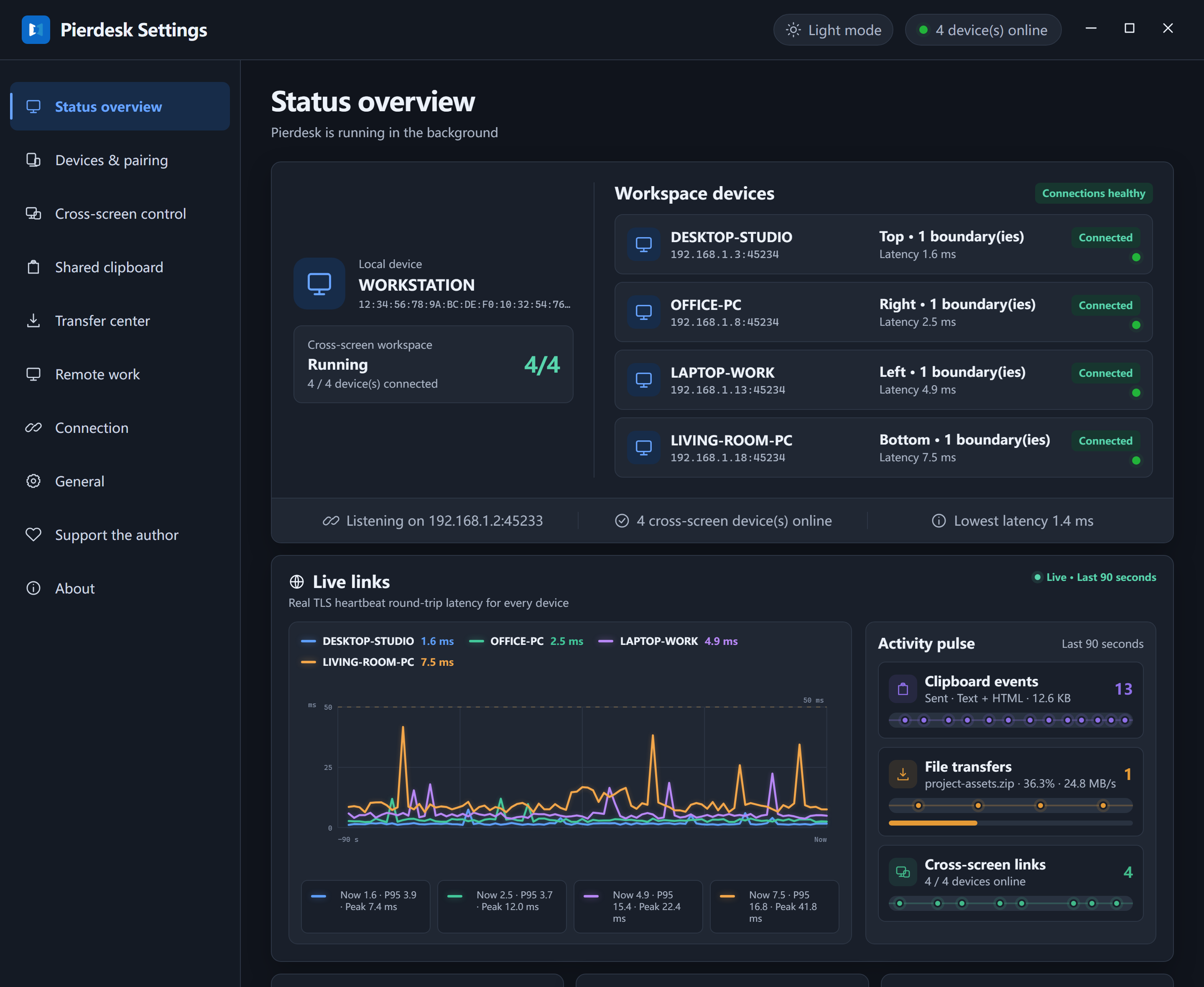
Move your mouse across a screen edge and continue on another PC. Your keyboard follows your cursor.
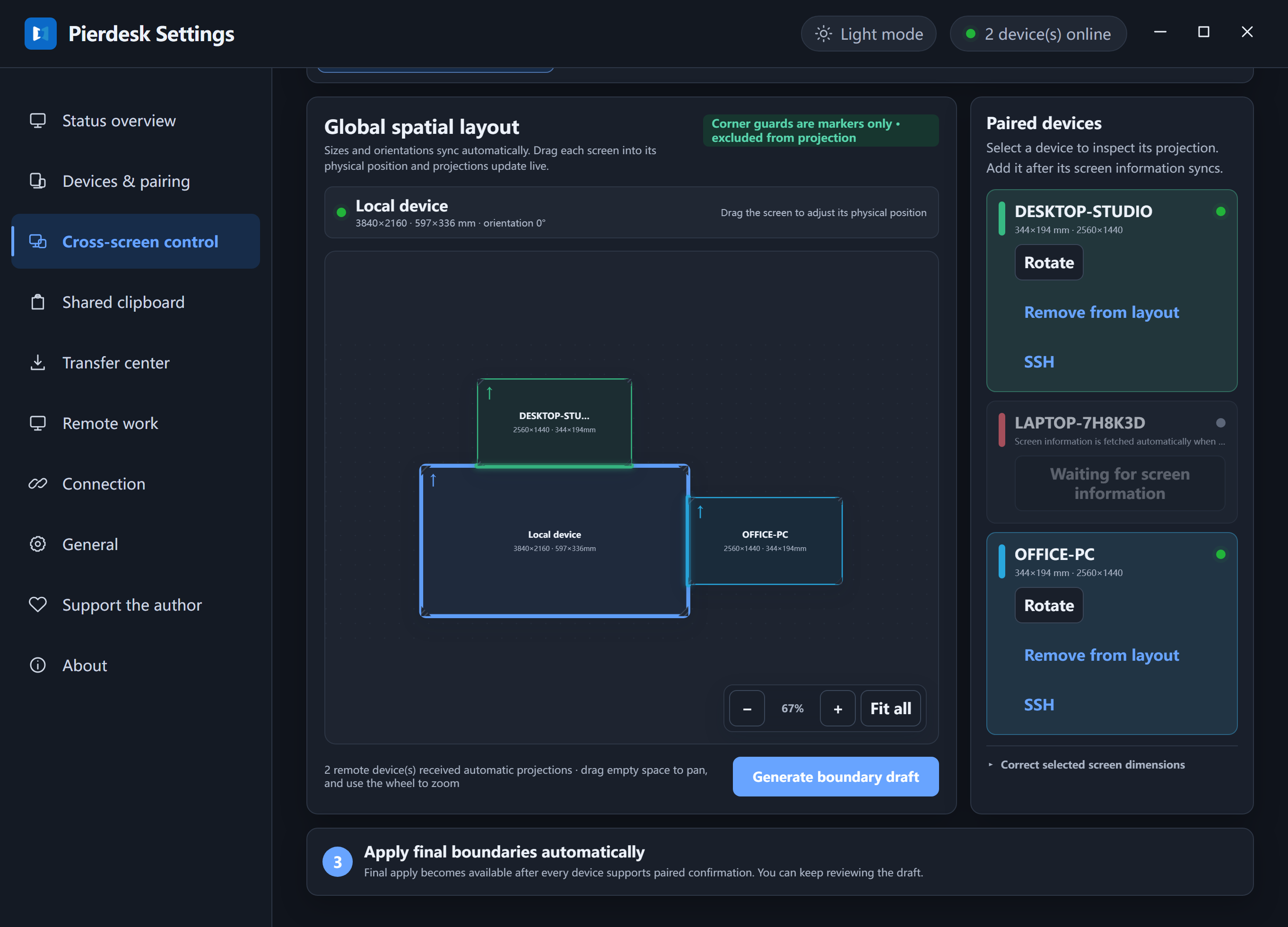
Arrange the screens to match your desk. Set the edges that connect them.
Copy here.
Paste there.
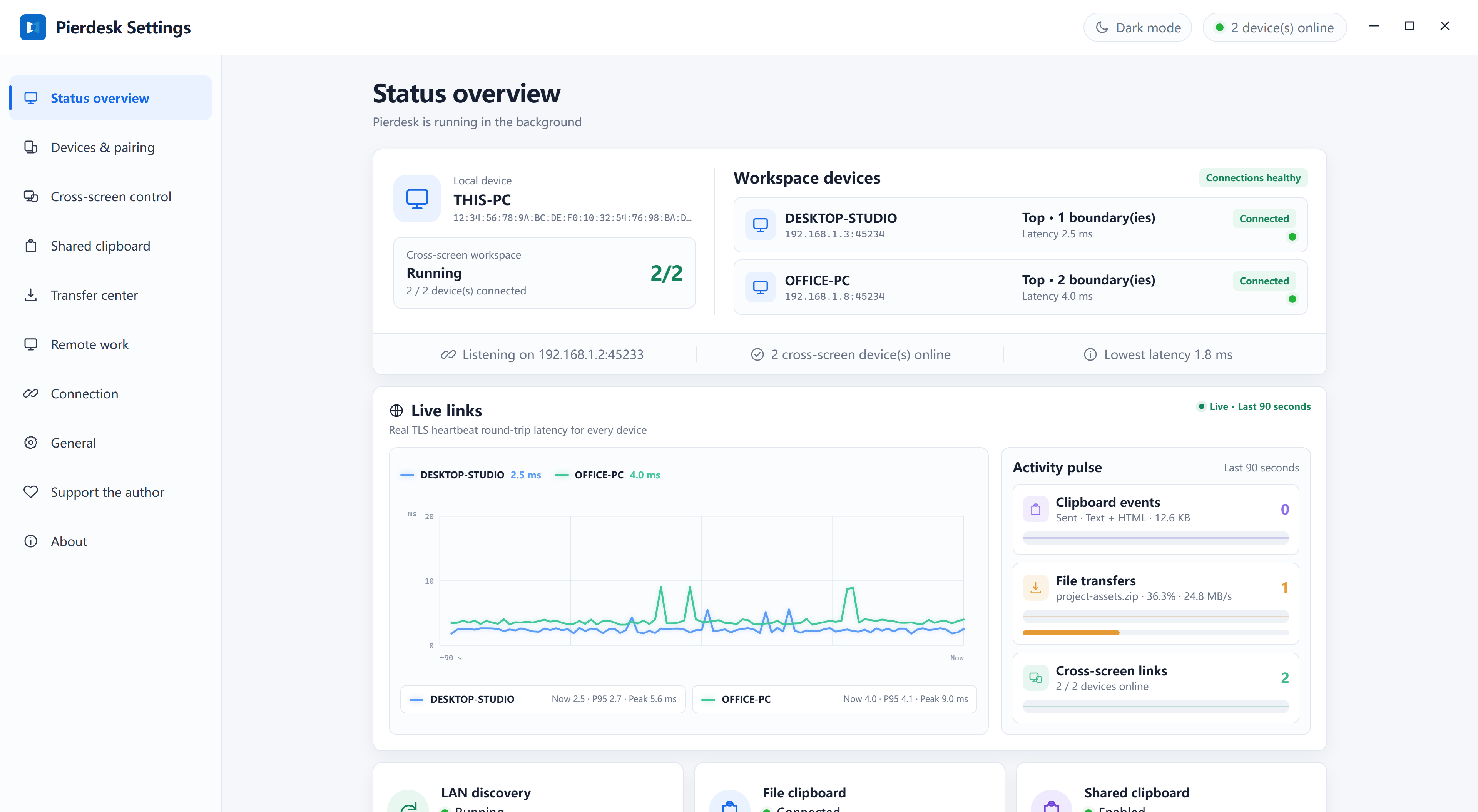
Text, images, and rich text move between paired PCs. Keep using the shortcuts you already know.
Share over your local network, with the computers you choose.
A shorter journey
for your files.
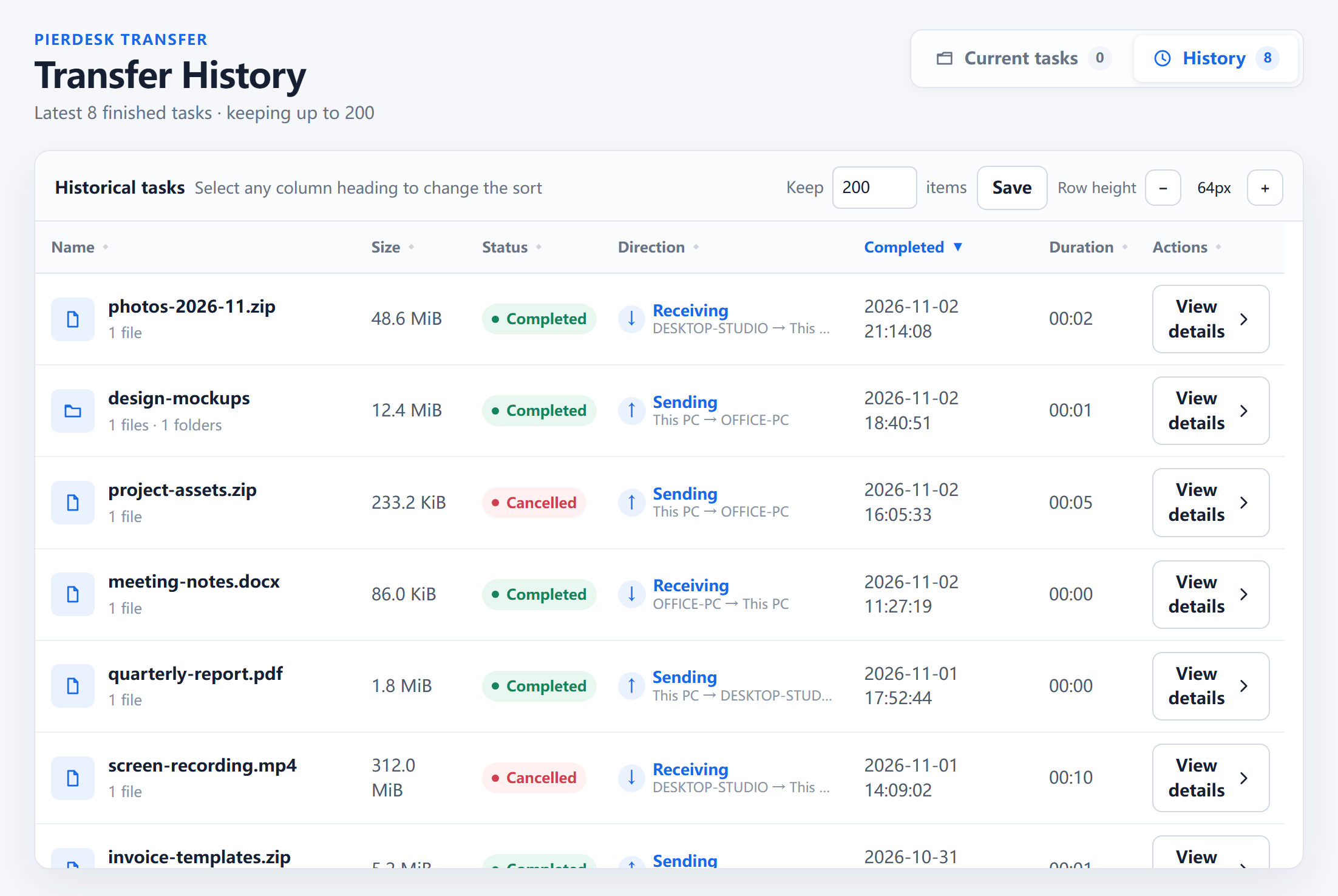
Copy a file on one PC. Paste it into a folder on another. File contents travel over your local network when you paste.
See what is moving, and look back through transfer history.
Your other PC.
Within reach.
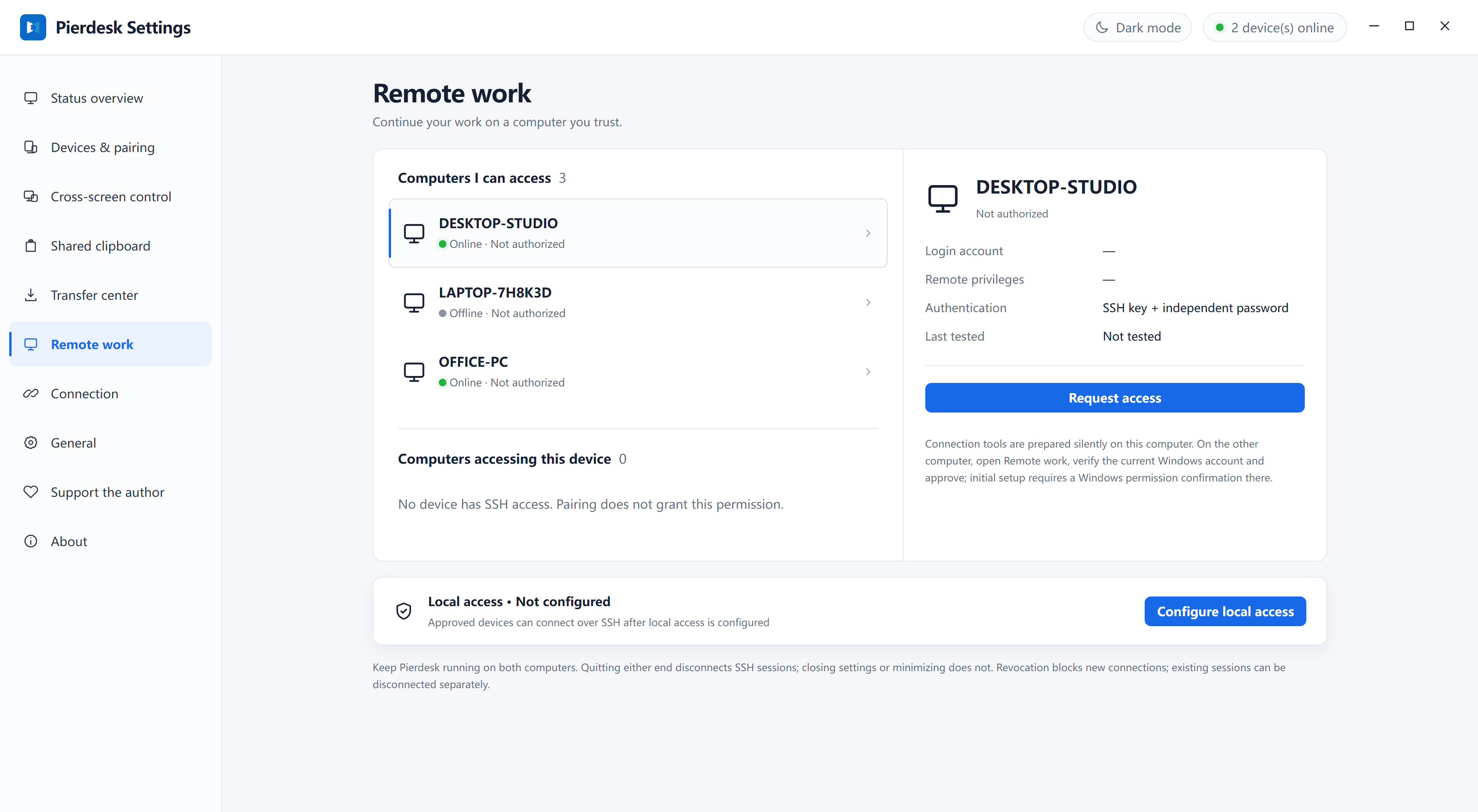
Open an SSH terminal on a trusted computer. Connect using access explicitly approved on that device.
Pairing and SSH permission are separate. You decide who gets access.
A few steps.
A connected desk.
Windows 10 or 11, on each PC.
One local network.
Choose your computers.
Run Pierdesk on each PC. Discover the other devices on your local network and approve the pairing.
Make it feel natural.
Place screens as they sit on your desk. Review the crossing boundaries, then move between them.